
Upscale
Turning a one-click utility into a habit that scaled to six figures a month.
imagine.art/upscaleThe AI image upscaler inside ImagineArt: drop an image, pick a model, get a sharper, higher-resolution result. A utility that became one of the platform's biggest single-tool draws, with a launch that reached six figures of upscales a month within weeks.
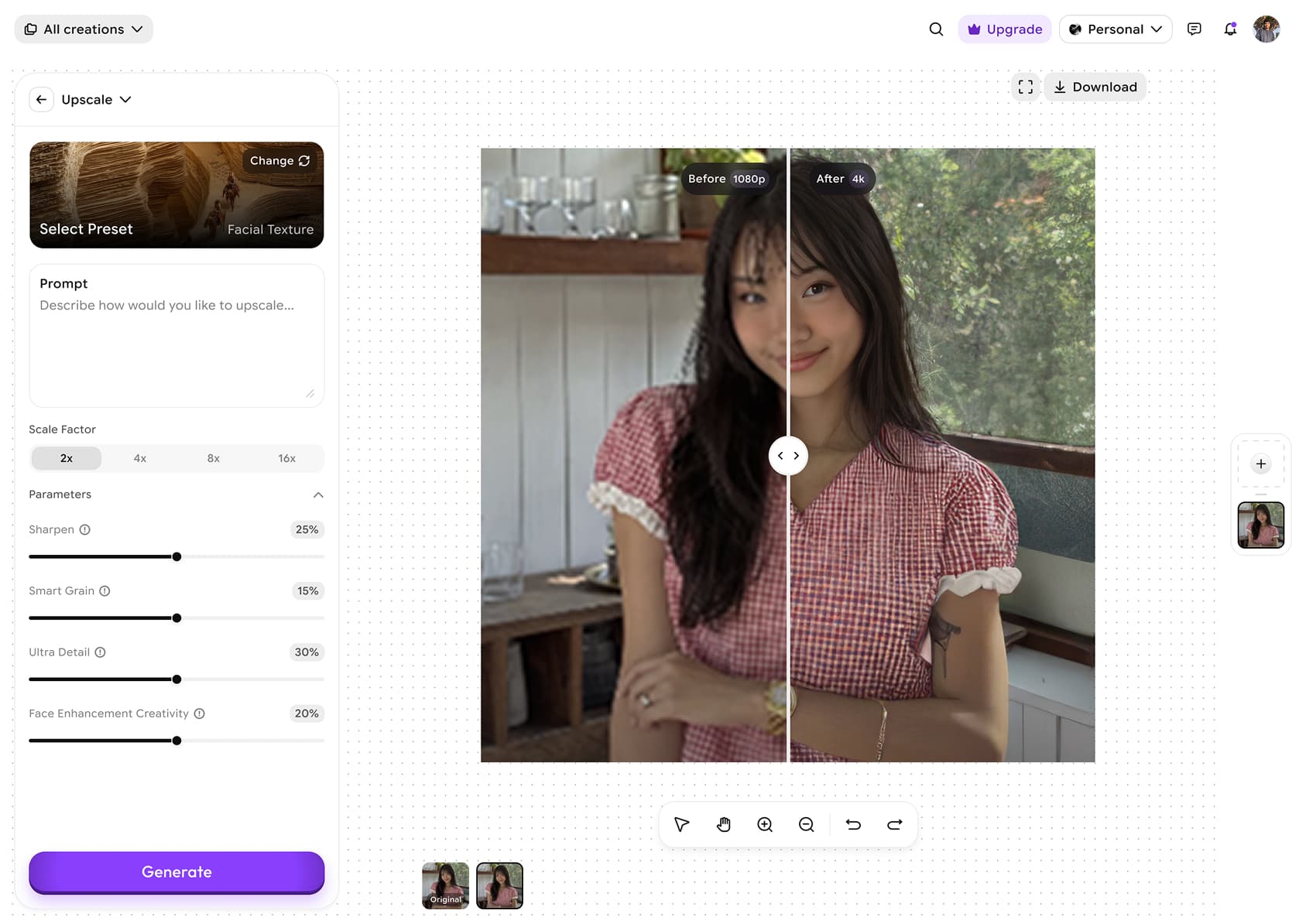
What is Upscale?
Upscale is ImagineArt's AI image upscaler. Drop in an image, pick a model, and get a sharper, higher-resolution version in one step. It lives in the same suite as generation, edit and video, and bills against one shared credit pool.
Why this project?
Most people meet ImagineArt through a single job to be done, and "make my image bigger and sharper" is one of the most searched. Upscale had to be the front door that turns a one-off utility visit into a creator who stays.
Upscaling is a utility. People want it invisible and instant. So how do you make a one-click "make it bigger" feel premium and worth a credit, inside a suite of flashier generative tools, without burying it in options?
A pro wants model choice and control. A first-timer wants one button. The same surface had to serve both without overwhelming either.
Upscaling is only believable when you can see the before and after. The result has to sell itself, immediately.
A single upscale is easy. The harder problem is earning the second one, and the path into the rest of the suite.
One credit pool
Upscale spends the same ImagineArt credits as everything else. No separate wallet, no separate mental model.
Model-agnostic
Several upscale models sit behind the tool. The surface had to outlive any single one, and let the best model lead.
An SEO front door
Upscale is a top organic entry point, so it had to convert cold, first-time visitors, not just existing users.
Web body, mobile reflexes
Built for the web workspace, but the interaction had to stay as direct as a mobile utility app.
Make the result do the selling.
One drop zone, not a form.
The first screen is a single drop zone with a sensible model preselected. No setup before you see value.
Model and scale controls are there for the pro, but tucked one layer back so the first-timer is never asked to decide.
Pricing reads as one clear cost per upscale, so there is nothing to calculate before committing.
Show the before and after, always.
A compare view is the hero of the result screen. The jump in detail is the pitch, not a paragraph about it.
Let people inspect at full resolution. An upscaler that hides the pixels has something to hide.
The result is yours in a click, so the utility promise is kept before any upsell.
Make the next step obvious.
After an upscale, the natural next move (edit, generate, video) is one tap away, turning a utility visit into a session.
Upscale shares the suite's chrome, so the second tool feels like the same product, not a new app to learn.
One balance across tools means trying the next thing costs nothing to understand.
The result screen is the entire pitch.
Upscale earns trust the moment the before and after sit side by side at full resolution. The craft is restraint: no celebratory confetti, no walls of settings, just a believable jump in detail you can zoom into and download. The utility keeps its promise first, then invites you deeper.
A utility earns the next click by keeping the first one honest.
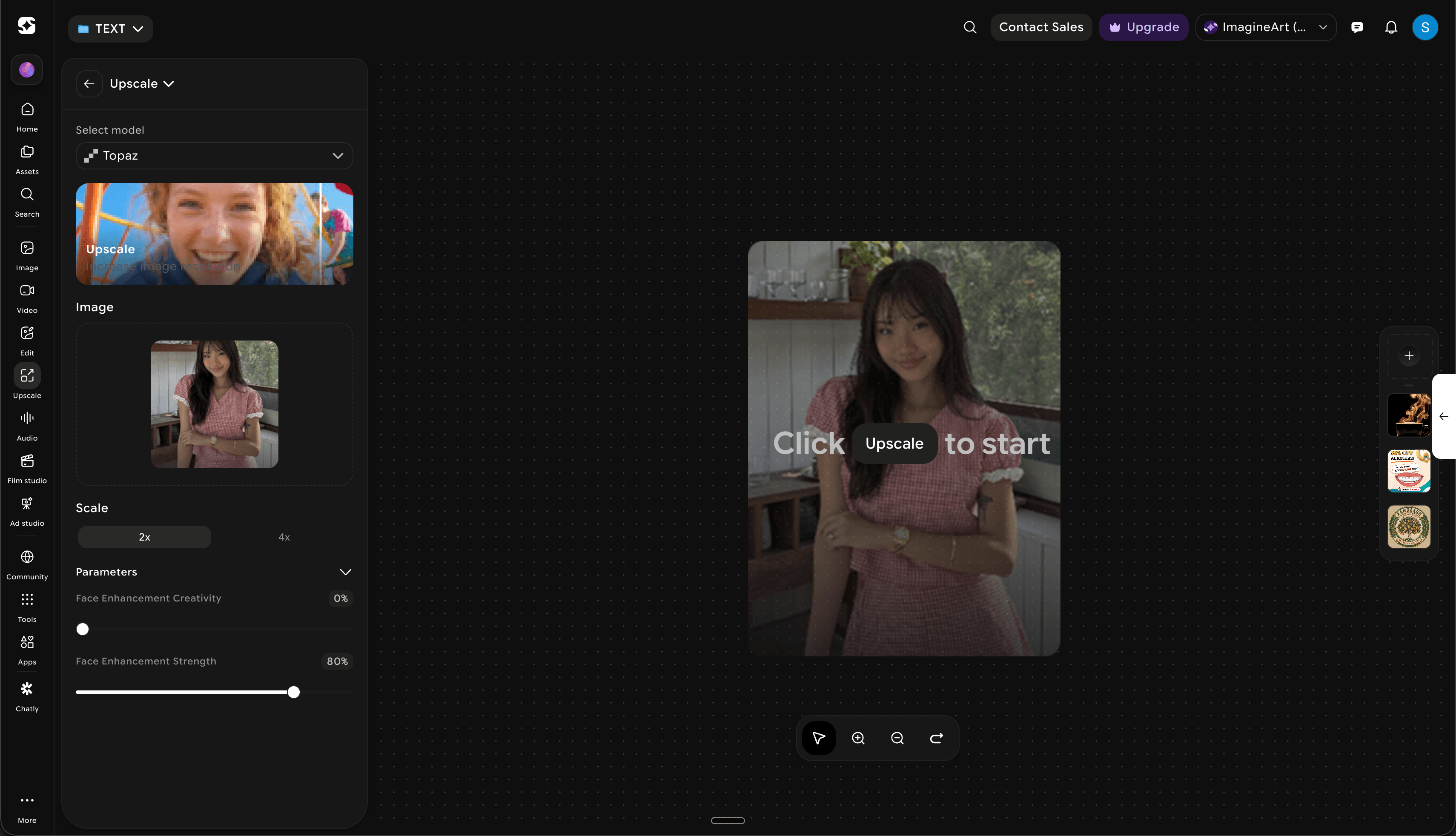
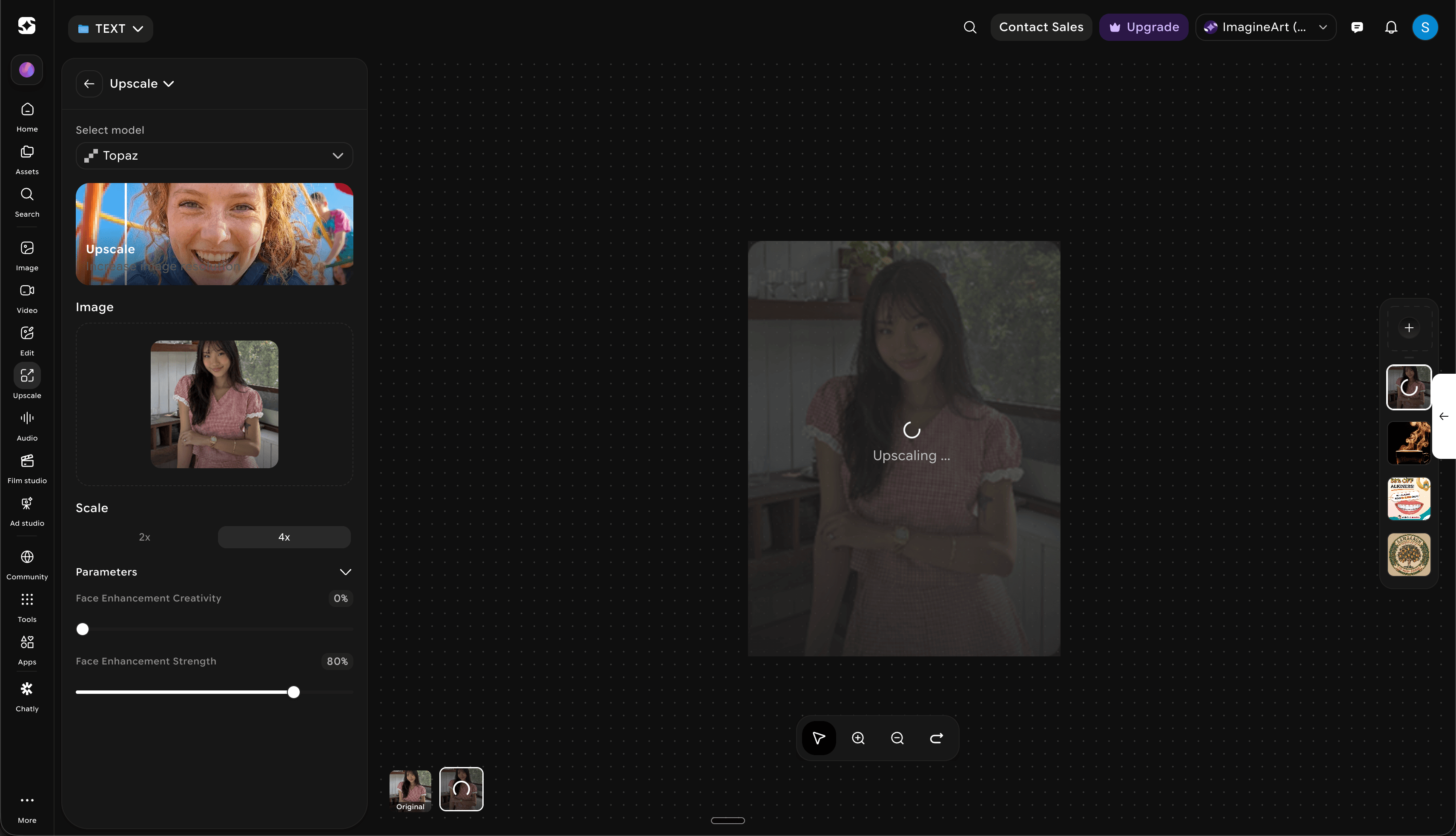
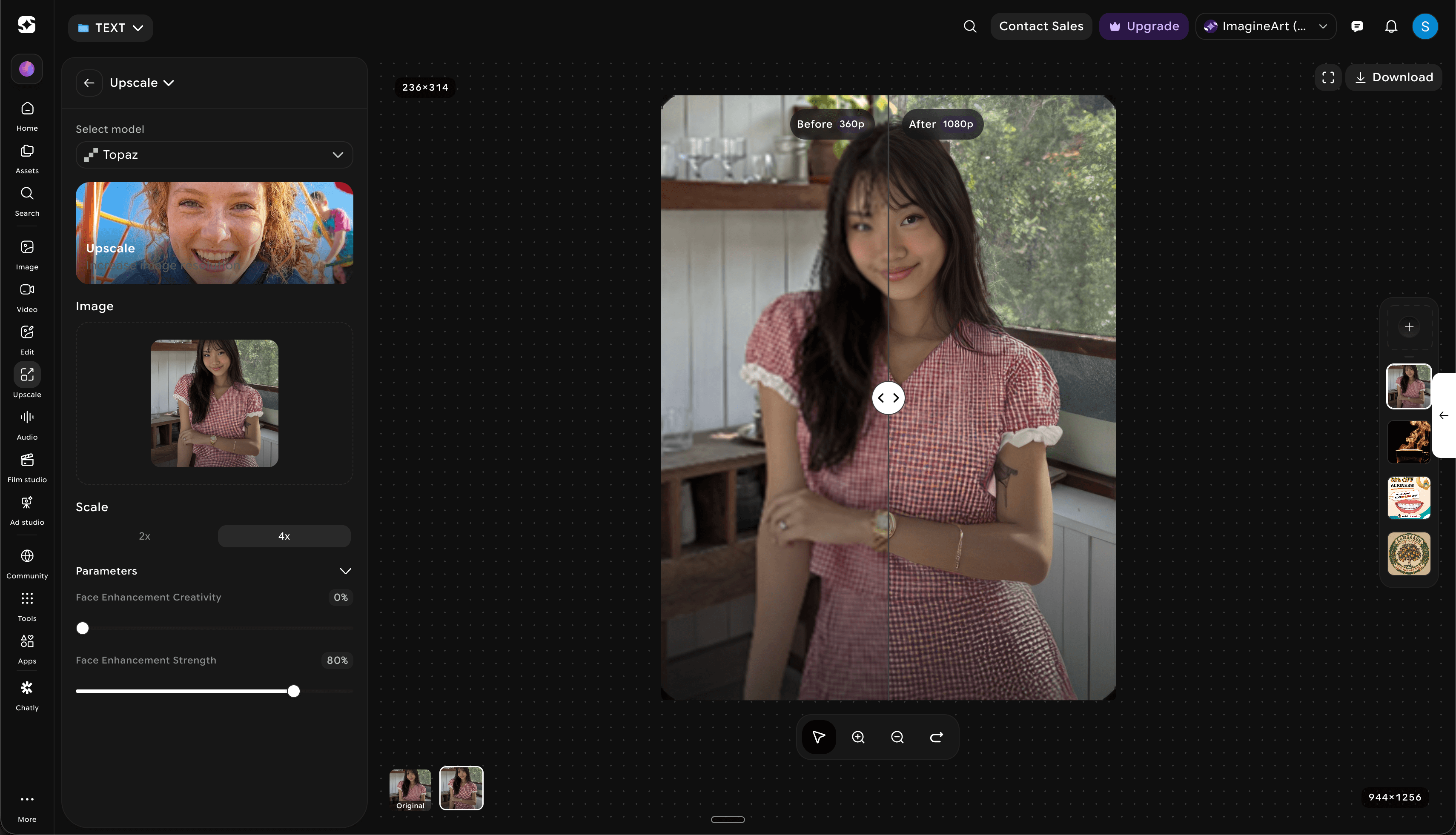
A launch that hit six figures of upscales a month, then settled into a long tail.
Mixpanel · ImagineArt (Imagine Web - Prod) · Creative Upscaler · 2026
The launch proved the demand outright. The taper since is the honest part, and it set the next priority: re-engaging the one-time upscaler instead of chasing new ones.
A utility is a front door, not a feature.
Upscale's real job was never the pixels. It was earning a first credit and a reason to open the rest of the suite.
The result is the pitch.
A believable before and after did more for conversion than any amount of marketing copy on the page.
Read the whole launch curve.
A six-figure first month is easy to celebrate. The taper that followed taught me more, and pointed straight at the next bet.
Re-engage the one-time upscaler
The taper is the opportunity. A reason to come back, tied to the work they already uploaded.
Upscale inside the editor
Make it a step in a creative flow, not a separate detour, so it rides the suite's habit instead of fighting for its own.
Intent-aware model defaults
Detect photo vs art vs face and preselect the model that wins for that input, removing the one real decision left.
Tie upscale to export quality
Offer upscale at the moment of export across the suite, where higher resolution is most obviously worth a credit.